
A guide to getting started
Digital fashion croquis:
your starting point.
Many people have fashion ideas long before they feel confident drawing the human figure. A croquis can help with that. This guide explains what a fashion croquis is, why beginners start with one, and general tips for sketching on a digital one.
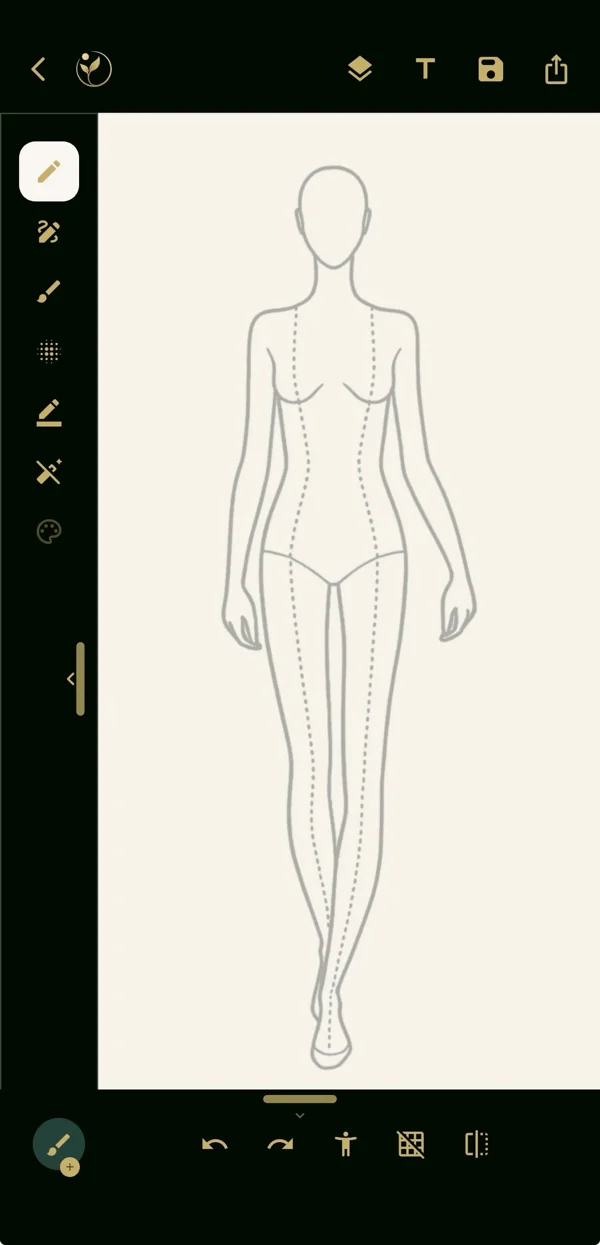
What is a fashion croquis?
In fashion illustration, a croquis (say "kro-KEE") is a simplified sketch of a figure used as a base for drawing clothing. Fashion croquis often use elongated proportions, but they can represent different body shapes, sizes and poses. Reusing a figure can help you compare outfit ideas without redrawing the body each time.
Why start with a ready-made croquis?
A ready-made figure lets you spend your effort on the part you care about: silhouette, proportion, detail and color. You still make real design decisions in every sketch, and your illustration skills can keep growing alongside it.
Six tips for sketching on a digital croquis
- Keep the pose simple. A straight, front-facing figure shows a garment's shape most clearly.
- Draw the silhouette first. Get the outline of the dress, coat or trousers right before adding details.
- Work in layers. Keeping line work, color and details apart lets you change one without redoing the rest.
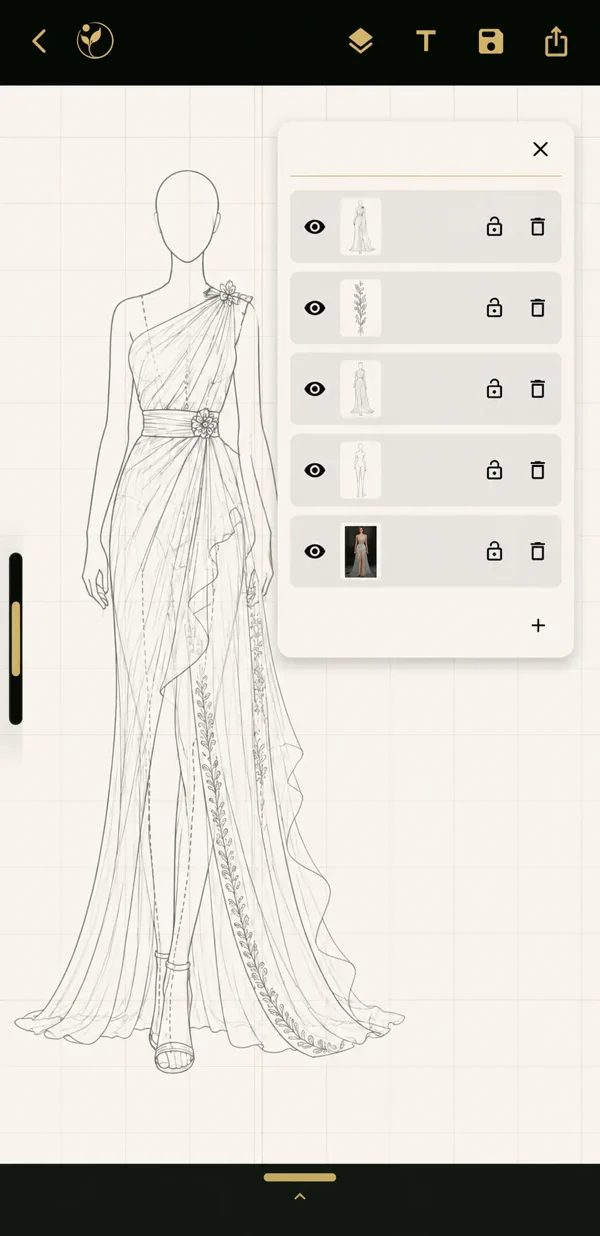
Keep the parts of a design organised. - Use a grid for proportion. Guides help you check lengths, waist lines and hems.
- Use symmetry for balanced shapes. Mirror guides help with necklines, collars and repeating patterns.
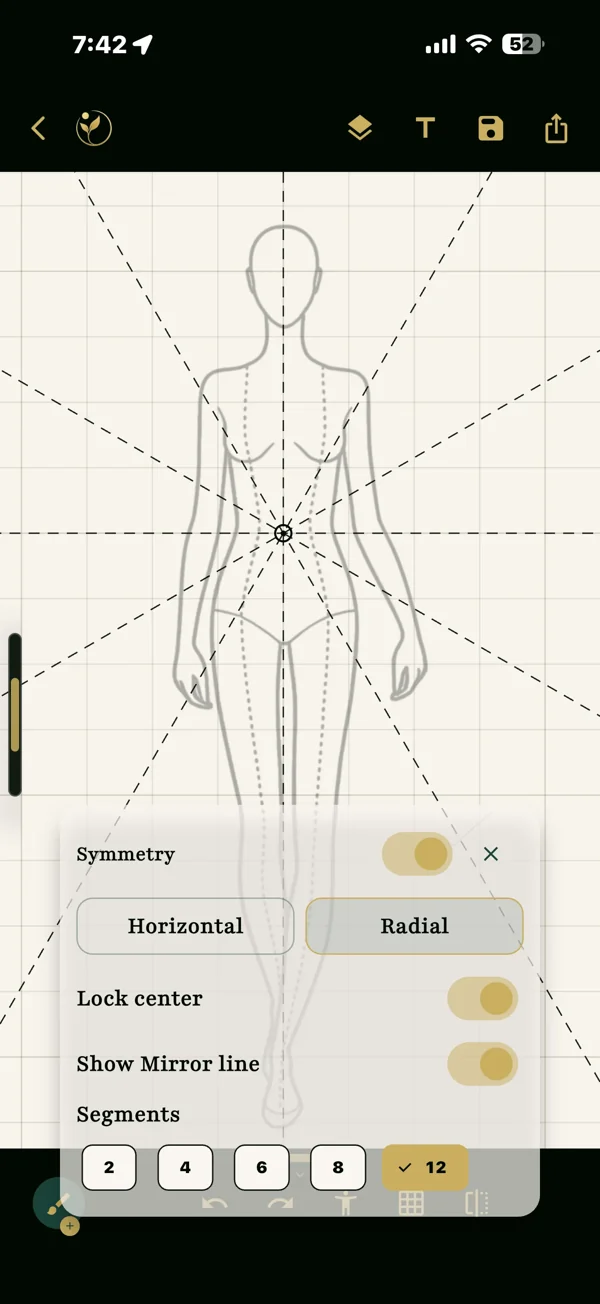
Explore balance with symmetry guides. - Think about the back. Closures, seams and details often live where the front view hides them.
Where DAIVIKA SAMÃH fits
DAIVIKA SAMÃH is a fashion sketching app for iOS and Android. It offers ready-to-use fashion figures, or croquis, that you can use if you wish, alongside pencil, brush, eraser, and undo / redo tools. Layers, layer lock and opacity help you adjust details and explore combinations. Grid, symmetry, zoom and pan help with proportion and detail, and color tools and curated palettes add mood.
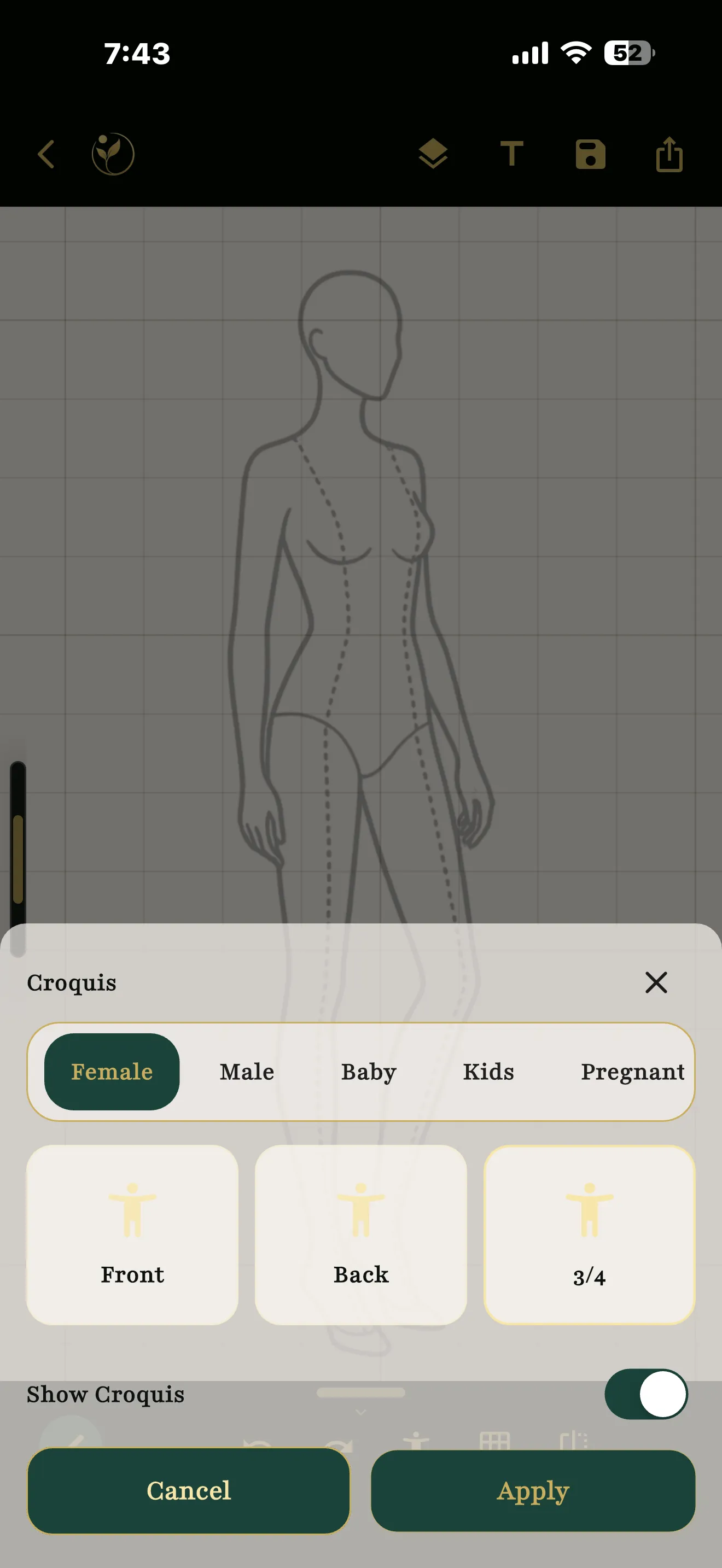
You can return to saved projects in Soul Drafts, find completed creations in Soul Gallery, and export designs as PNG files.
Learn more on the DAIVIKA SAMÃH page, or find the app on the App Store or Google Play.